Are you looking for a free and easy way to migrate your files from OneDrive to Google Drive in 2026? Manually downloading and uploading files can be time-consuming, especially if you have large amounts of data. Instead, you can use RiceDrive, a cloud-to-cloud transfer tool that simplifies the process. This guide will show you how to migrate your OneDrive files to Google Drive effortlessly.
Why Choose RiceDrive for Cloud Migration?
RiceDrive is an efficient cloud storage manager that allows you to transfer files between multiple cloud services, including OneDrive and Google Drive, without using local storage.
Benefits of Using RiceDrive
How to Migrate OneDrive to Google Drive Using RiceDrive?
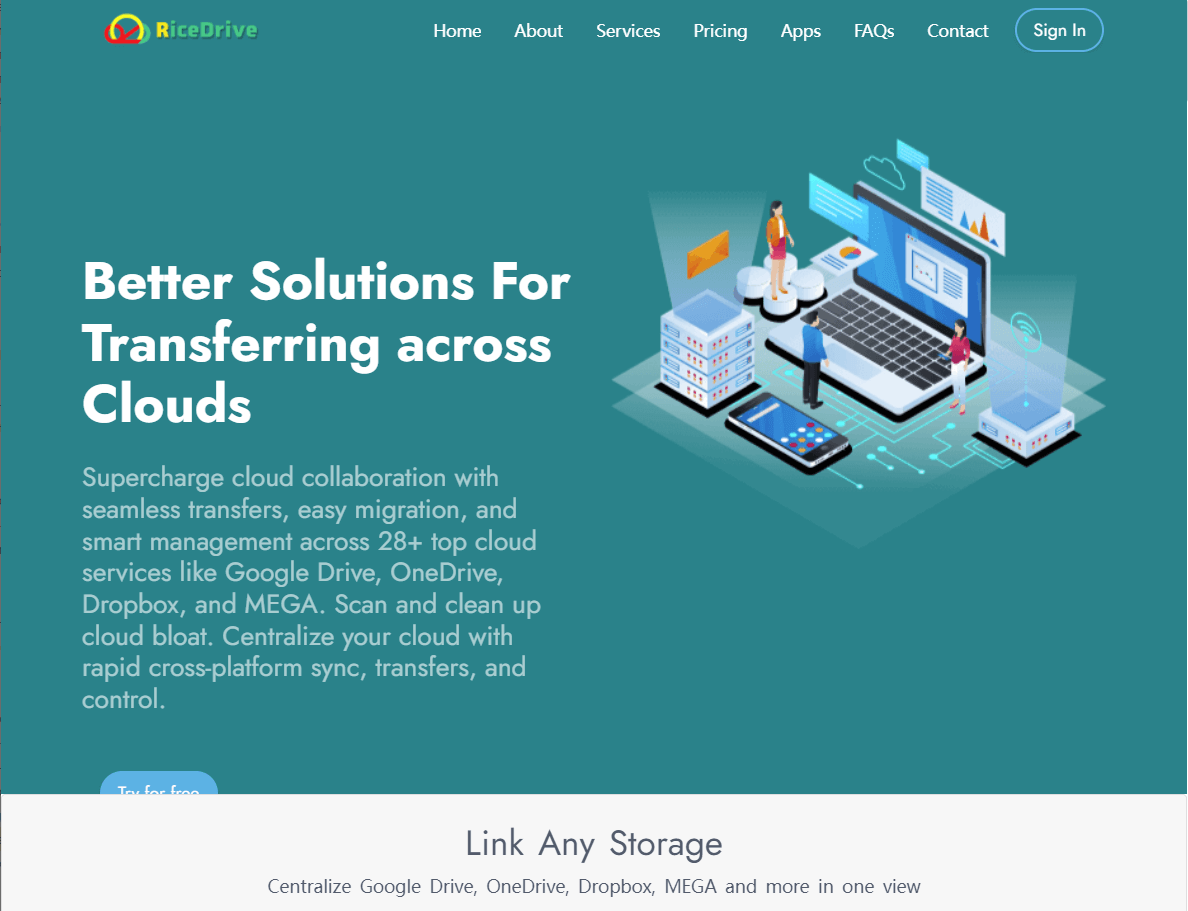
Step 1: Sign In to RiceDrive (It’s Free!)
Visit the RiceDrive website.
No registration required — log in directly with your email to access the dashboard.
Step 2: Connect Your OneDrive and Google Drive Accounts
Log in to RiceDrive.
Click Link Drive and select OneDrive.
Authorize RiceDrive to access your OneDrive account.
Repeat the process for Google Drive by selecting it from the list.

Step 3: Start Transferring Files
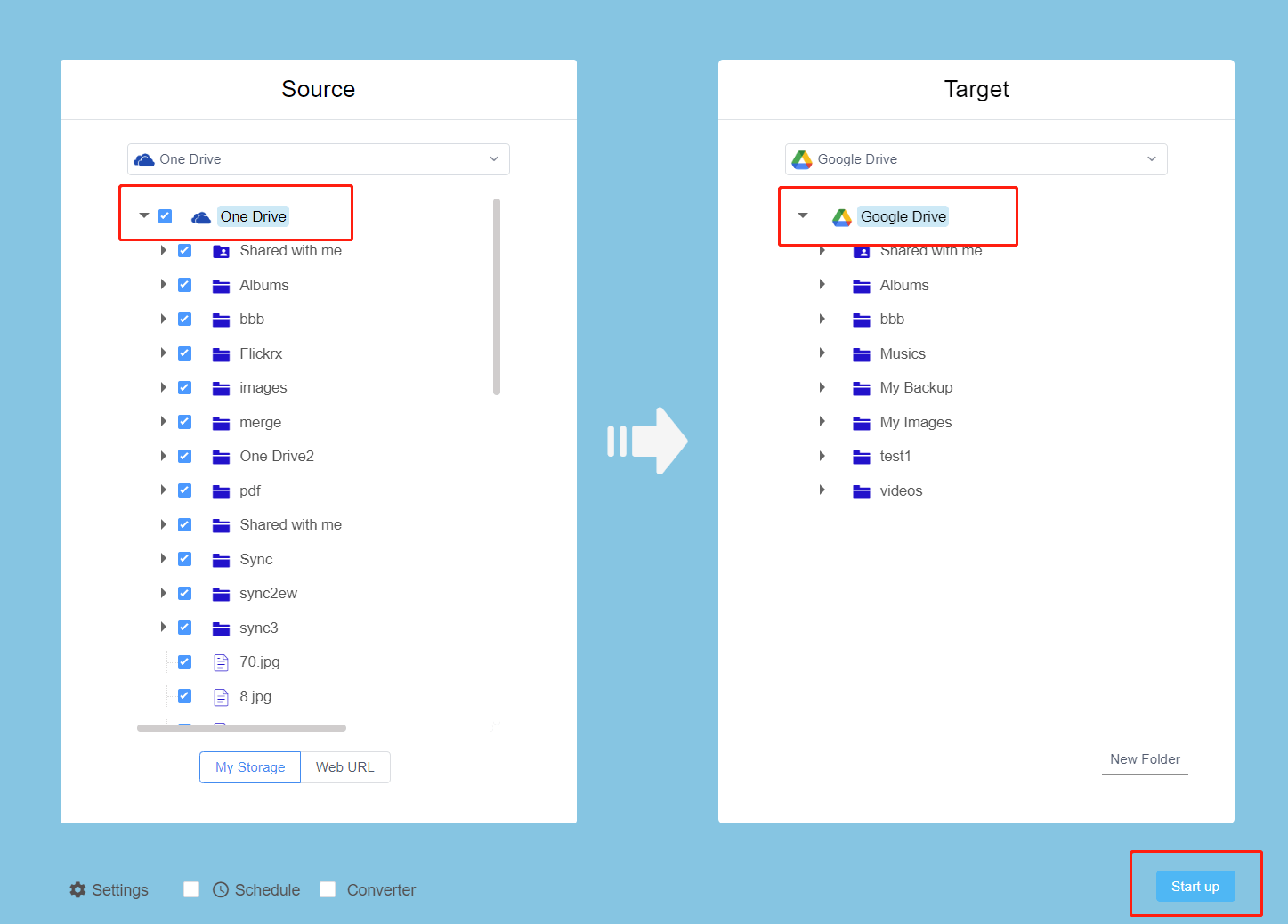
Once both cloud accounts are connected, go to the Cloud Transfer section.
Select OneDrive as the source and Google Drive as the destination.
Choose the files or folders you want to migrate.
Click Settings and check Keep source file modified date to preserve the file's creation and modification time.
Click Start Up to begin the migration process.
Step 4: Monitor & Complete the Transfer
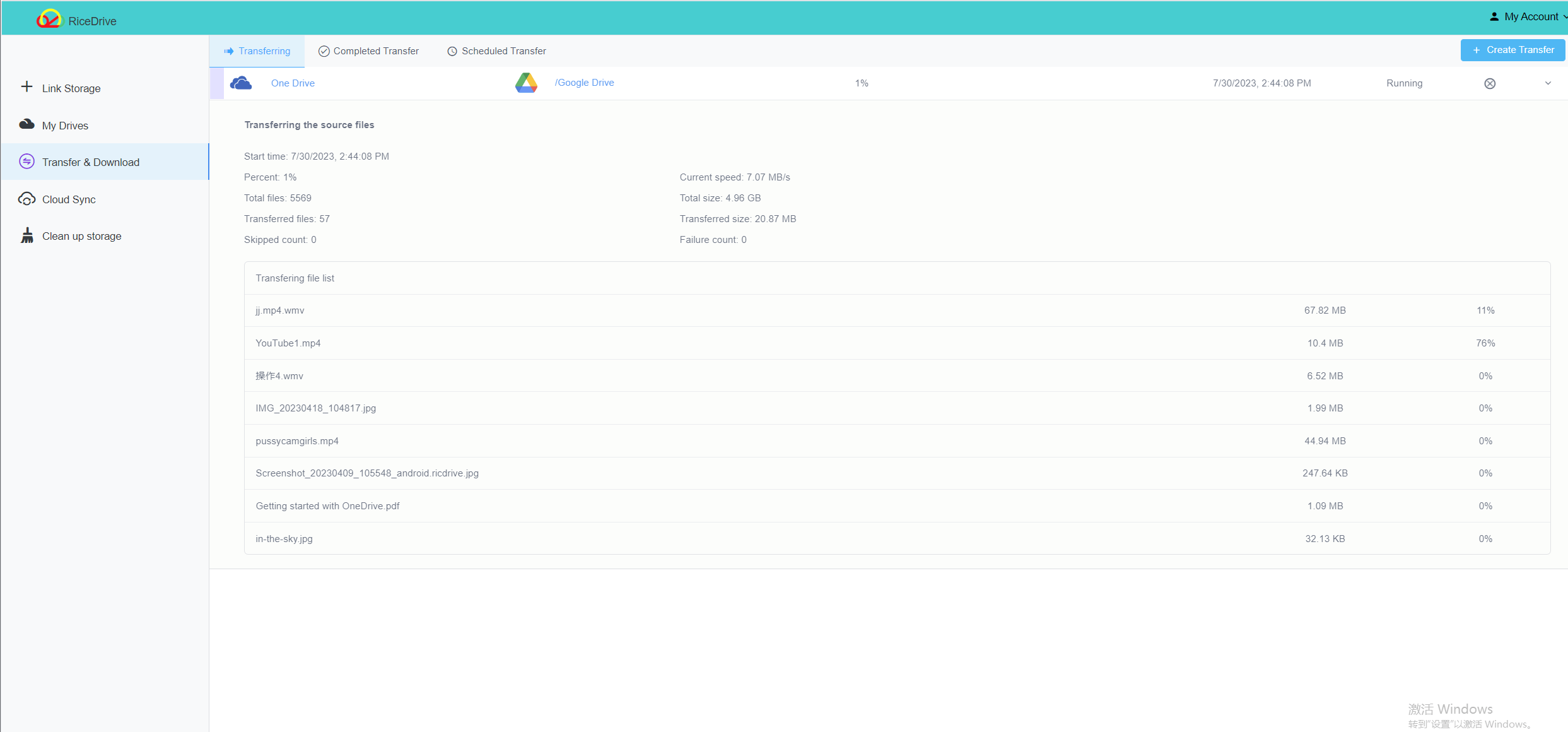
RiceDrive allows you to track the transfer progress in real time.
Once the transfer is complete, verify your files in Google Drive.
Why Choose RiceDrive Over Manual Methods?
| Feature | Manual Download & Upload | RiceDrive |
|---|---|---|
| Speed | Slow | Fast |
| Effort | High | Low |
| Requires Local Storage? | Yes | No |
| Automated? | No | Yes |
| Handles Large Files? | No | Yes |
If you have a large number of files, RiceDrive is the best free solution for transferring from OneDrive to Google Drive in 2026.
Final Thoughts
Migrating from OneDrive to Google Drive doesn’t have to be complicated. With RiceDrive, you can transfer files effortlessly without wasting time on manual downloads and uploads.
🚀 Try RiceDrive today and move your files for free!
👉 Get started now — no credit card, no downloads.
Start your free migration