Are you still storing precious memories on Flickr? Migrate your entire Flickr library to Google Photos in 2026 — fast, secure, and without downloading a single photo to your computer. Google Photos offers smarter organization, AI-powered search, and seamless integration with Android & iOS. This guide shows you exactly how to transfer Flickr to Google Photos using RiceDrive, the #1 cloud migration tool.
📸 Why move from Flickr to Google Photos in 2026?
Flickr has reduced free storage limits and lacks modern AI features. Google Photos offers:
- 15GB free storage (or more with Google One)
- Powerful search: Search by people, places, objects, and text inside images
- Seamless sharing with Google ecosystem (Android, Gmail, Chrome)
- Automatic albums & animations created by AI
With RiceDrive, the move from Flickr to Google Photos takes just minutes to set up.
🚀 What is RiceDrive? The best Flickr to Google Photos migration tool
RiceDrive is a cloud-to-cloud file manager that connects 34+ cloud services. Unlike manual methods (download then re-upload), RiceDrive transfers directly between Flickr and Google Photos — saving hours of bandwidth and effort.

✅ Preparation before migrating Flickr to Google Photos
- ✔️ A RiceDrive account (free signup)
- ✔️ Flickr account credentials (OAuth – we never store password)
- ✔️ A Google account with Google Photos enabled
- ✔️ Optional: organize albums in Flickr for better structure after migration
📖 Step‑by‑Step: How to transfer Flickr to Google Photos
Go to ricedrive.com/login, create a free account (no credit card needed). Your free plan includes 10GB monthly transfer traffic.
In RiceDrive dashboard, click "Link Drive" → add Flickr (authorize via OAuth) and add Google Photos (sign in with Google). Your credentials are never stored.
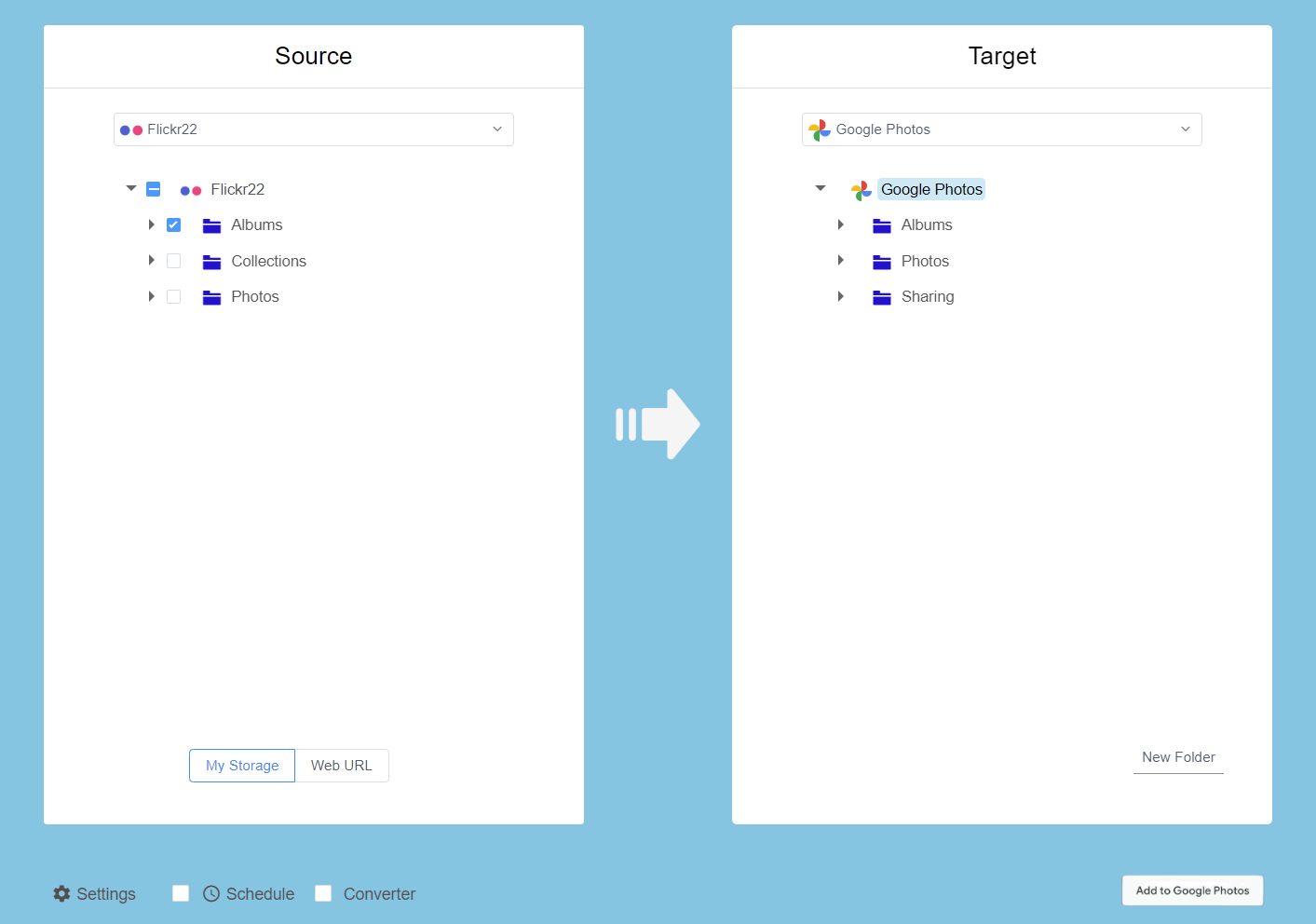
Go to "Cloud Transfer" → "Create Transfer". Choose Flickr as source, select all albums or specific folders you want to migrate.
In target field, choose Google Photos and pick the target folder (or root). You can keep the same folder structure.
Click "Start Now". RiceDrive will begin moving your photos from Flickr to Google Photos instantly. You can close the browser — the task runs in the cloud.
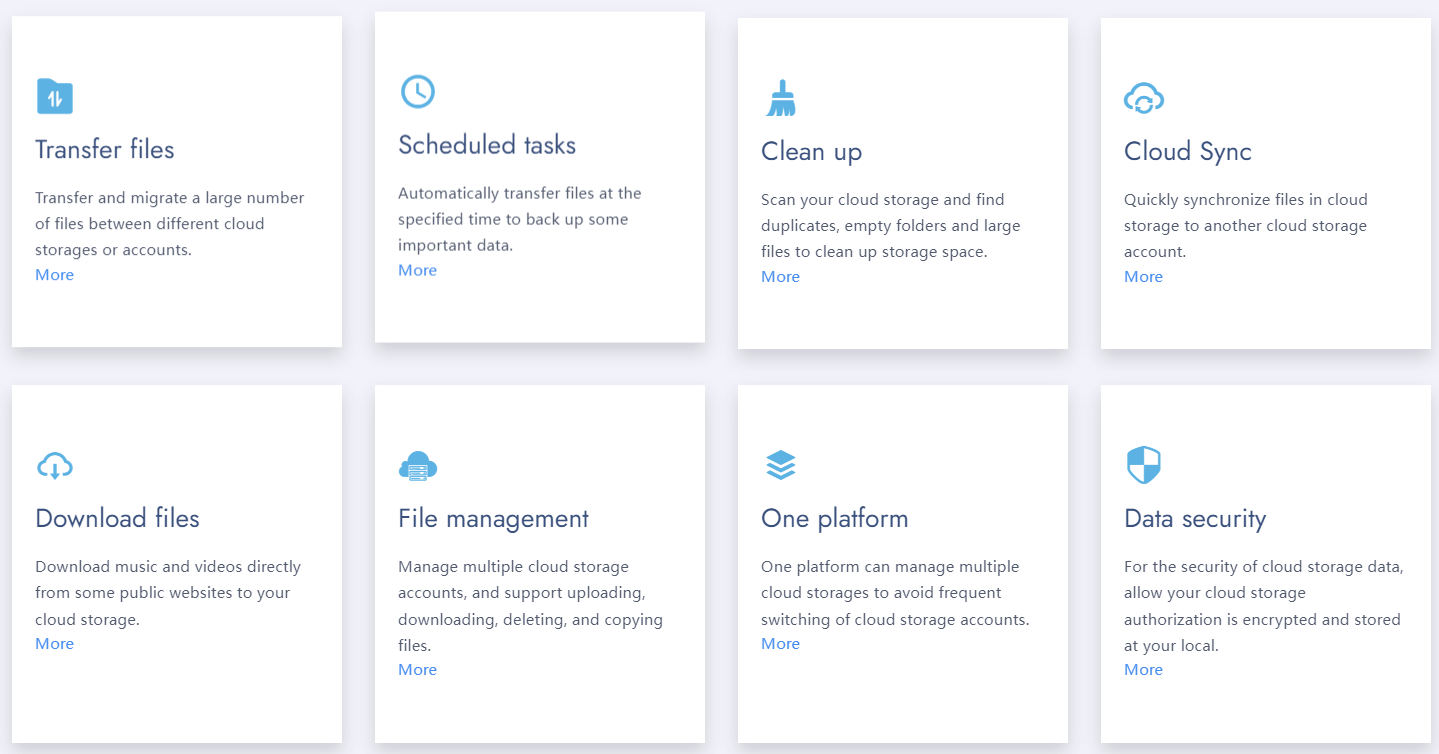
💡 Pro tips for large Flickr libraries (10,000+ photos)
- Use scheduled transfers: Set up a recurring sync to move new Flickr photos to Google Photos automatically.
- Upgrade if needed: For libraries >50GB, RiceDrive paid plans offer 1,200GB monthly traffic.
- Maintain metadata: RiceDrive preserves EXIF data, dates, and album names.
❓ Frequently Asked Questions: Flickr to Google Photos migration
Absolutely. RiceDrive uses OAuth 2.0 authorization — we never ask for your Flickr or Google passwords. All data transfers are encrypted with TLS 1.3. Your privacy is protected.
Yes! The free plan gives you 10GB monthly traffic, which is enough for thousands of standard-resolution photos. For high-res or video collections, affordable plans start at just a few dollars.
Yes — album names and folder hierarchy are replicated in Google Photos. No more manual reorganization.
Average speed: 30–50GB per hour via cloud direct transfer. A typical 5GB photo library takes less than 20 minutes.
Since transfers happen server-side, your connection doesn't matter. RiceDrive runs in our cloud infrastructure, so you can shut down your computer.
Join 500,000+ users who simplified their cloud photo management with RiceDrive.
Start Free Migration →No credit card required · 10GB free traffic